
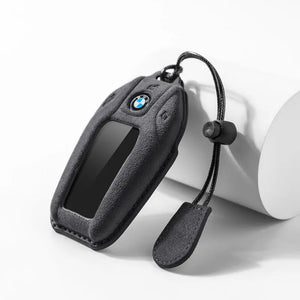





The short answer: the BMW Display Key is a rechargeable LCD key offered mainly on 5 and 7 Series, X5, X6 and X7 cars. It charges over USB or on the car's wireless tray, its internal battery is not user-serviceable the way a coin cell is, and it needs a cover made specifically for it - a standard G-Series cover will not fit.
How to tell if you have one
There is no ambiguity: the Display Key has a color touchscreen on the front showing fuel range, service status and climate controls. It is noticeably larger and heavier than a normal BMW key, and it has a USB-C or micro-USB port on the edge depending on the year.
Charging it
- Cable: plug it into any standard USB charger. A full charge takes a couple of hours.
- Wireless tray: on cars fitted with the inductive charging tray, laying the key in it charges the key as you drive.
- How long it lasts: a few days to a couple of weeks depending on how much you use the screen. Standby drains it faster than a coin-cell key, which is the main complaint owners have.
When it stops charging
The usual causes, in order of how often they turn out to be the answer:
- A dirty or damaged port. Lint from a pocket packs into the connector. Look at it in good light before assuming the key is dead.
- The cable or charger. Try a different one before anything else.
- The key has fully discharged. Leave it on charge for half an hour before deciding it is not responding.
- Battery age. Like any lithium cell, capacity falls over years. This is a dealer job, not a coin-cell swap.
Important: the Display Key also has a conventional emergency blade and the car can still be started using the key in the usual backup position, so a flat Display Key is not a stranded car.
Why it is so hard to find a case for
Three reasons. The screen has to stay visible and touchable, so a cover cannot wrap the face. The charging port has to stay clear. And the body shape is unique to this key, so nothing from the rest of the BMW range fits. Most makers simply skip it, which is why owners of a five-hundred-euro key end up with no protection at all.
What to look for in a Display Key cover
- The screen cutout is the right size - too tight and touch gestures at the edges stop registering.
- The charging port is open, not just thin material over it.
- Soft material rather than a hard shell. The Display Key is the one BMW key you really do not want to drop, and suede or leather absorbs an impact that a rigid shell transmits straight into the screen.
- The listing says Display Key or LCD. If it just says G-Series, it is the wrong part.
Common questions
Will a cover stop the wireless charging tray working? A thin suede or leather cover does not block inductive charging, but it does add distance - if charging becomes unreliable, seat the key more centrally in the tray.
Can I retrofit a Display Key to a car that did not have one? It depends on the model and the car's equipment. That is a dealer question, and the answer is often no.
Is the Display Key waterproof? No. Treat it like a phone.
Do I still get a normal key? Cars optioned with a Display Key normally also come with a conventional spare, and the two need different covers.
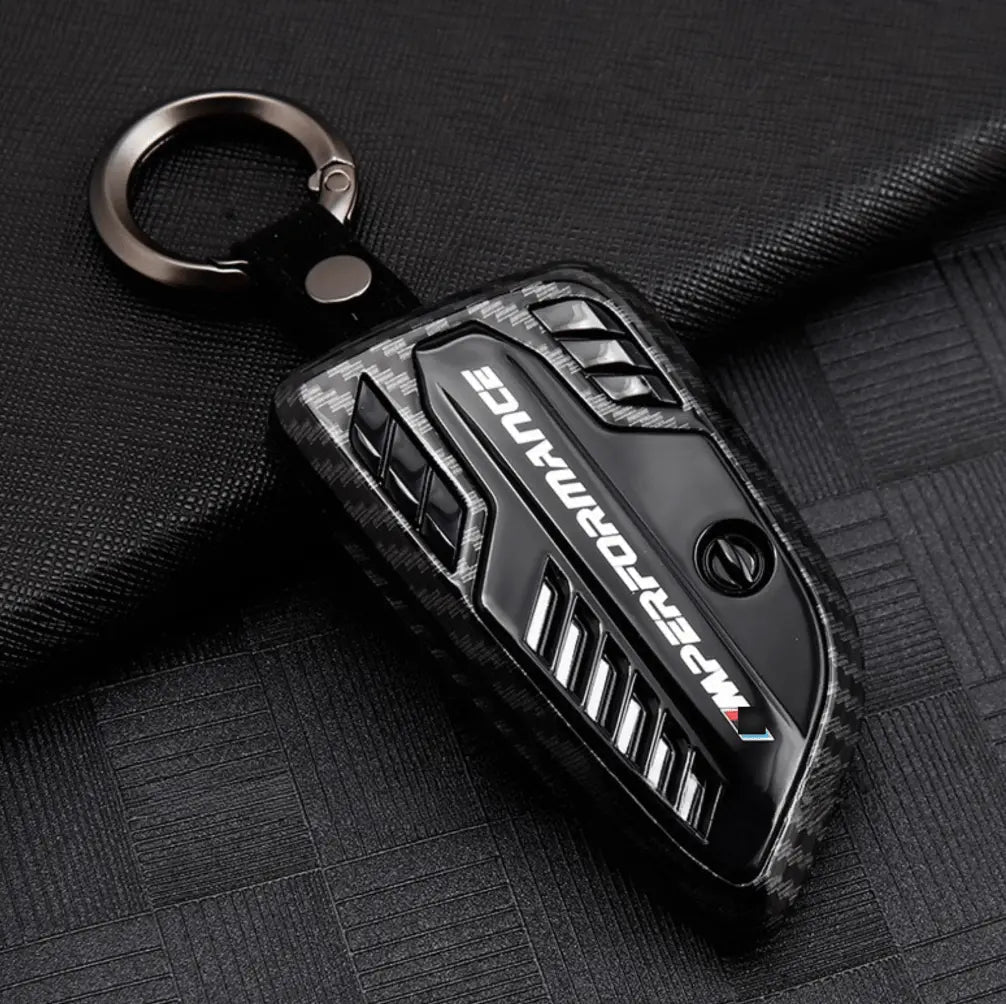
We make a suede cover cut specifically for the LCD key - see BMW Alcantara key covers, or compare all the BMW key shapes in the fitment guide. Not sure which BMW key you are holding? This guide walks through all four generations.

Leave a comment
This site is protected by hCaptcha and the hCaptcha Privacy Policy and Terms of Service apply.