
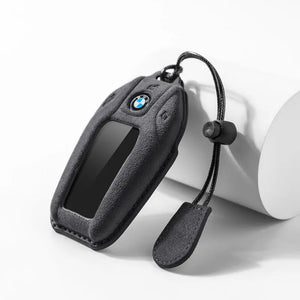

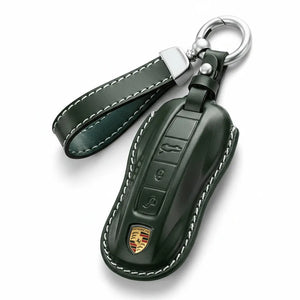





The short answer: to remove a protective cover, start at the corner furthest from the buttons and peel it back with your thumb rather than pulling from the middle. To open the Mercedes key itself for a battery change, slide the emergency key out first - on most smart keys the battery tray sits behind that slot.
People search this phrase for two completely different reasons, so here are both.
Taking off a protective cover
A well-fitting cover grips the key, which is the point - and it is also why yanking it off by the middle is how people tear one. The technique:
- Work from a corner, not the face. Pick the corner furthest from the button pad, where there is least tension.
- Push with a thumb, do not pull with fingernails. Push the key body out of the cover rather than stretching the cover away from the key.
- Work round the edge. Once one corner is free the rest releases with almost no force.
- Never use a screwdriver or a knife. You will mark the key, and on a suede or leather cover you will cut the stitching.
If a cover is genuinely hard to get off the first time, that is normal - leather and suede relax slightly after a week of use.
Opening the Mercedes key for a battery change
This is the other reason people search it, usually because the car has started asking for a new key battery.
- Release the emergency key. There is a small catch or button on the fob - press it and the metal emergency key slides out.
- Use that slot. On most Mercedes smart keys the battery tray slides out of the same opening, either directly or after a gentle push.
- Note the orientation before you lift the old cell out. Photograph it with your phone - it takes two seconds and saves a guess.
- Handle the new cell by its edges. Skin oils on the contact face shorten battery life.
Generations differ, so if the tray does not move, stop and check your owner's manual rather than forcing it. Prying a smart key apart cracks the shell and that is a dealer part.
Can you change the battery with a cover fitted?
On our covers the emergency key still releases with the cover on, but the battery tray usually needs the cover off. It is a fifteen-second job either way.
Why a cover ends up being removed at all
- Battery change - once every two to four years.
- Switching colors - more common than you would think.
- Selling the car - most people keep the cover and pass on the bare key.
- A bad fit - if a cover blocks a button or the blade release, it is the wrong type rather than something to force.
Common questions
Will removing the cover damage the key? Not if you work from a corner. Soft covers cannot scratch the shell; hard shells and metal cases are where damage happens.
My cover is stuck on a three-button key. Three-button keys are slightly deeper, so the cover grips harder. Push the key out from the back rather than pulling the cover.
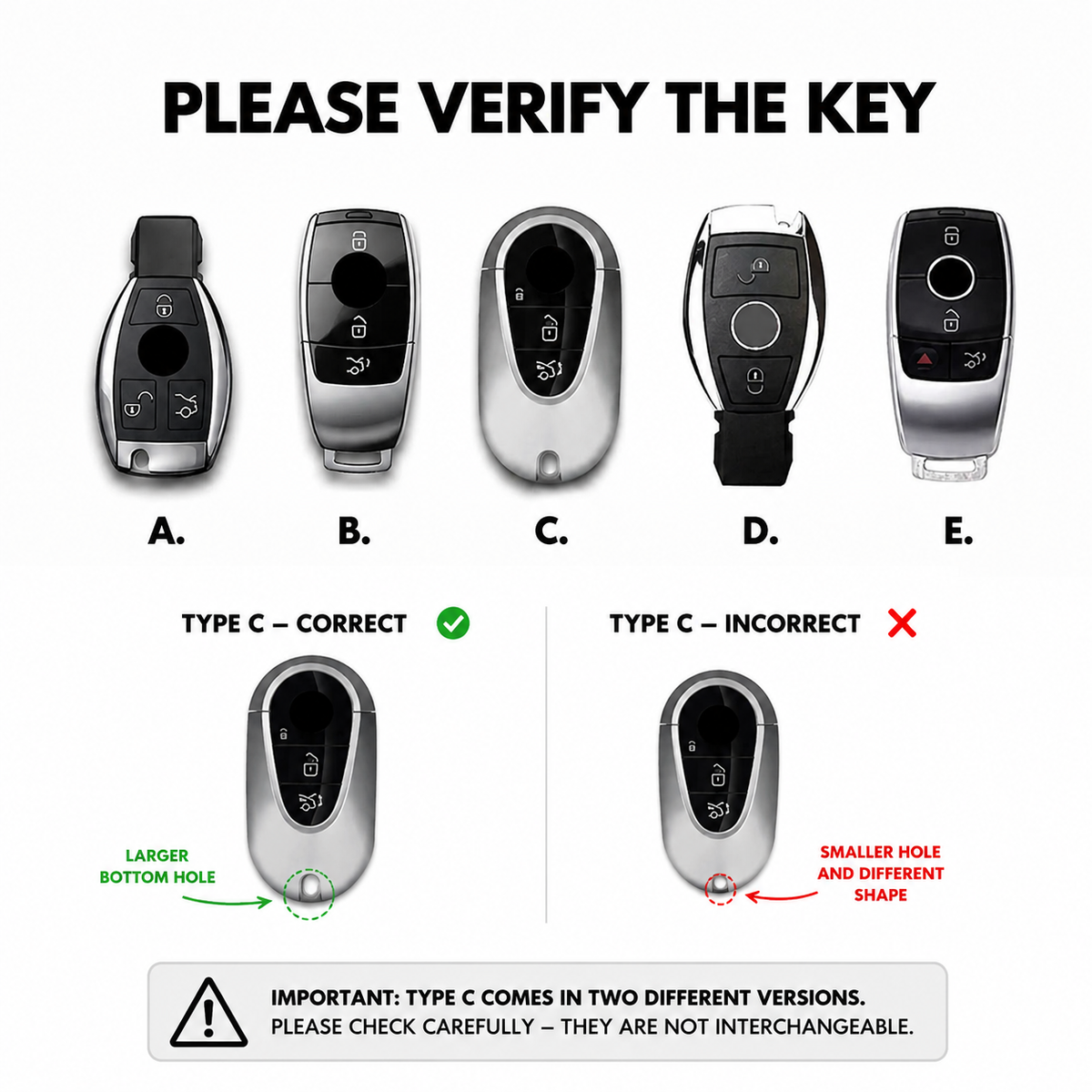
How do I know if I have a two or three-button key? Count the buttons on the face. It decides which cover fits - see the fitment guide.
Does the cover stop the emergency key coming out? Not on ours - the release stays accessible.
Looking for a replacement? Mercedes Alcantara key covers in suede, or the full Mercedes key cover range.

Leave a comment
This site is protected by hCaptcha and the hCaptcha Privacy Policy and Terms of Service apply.