






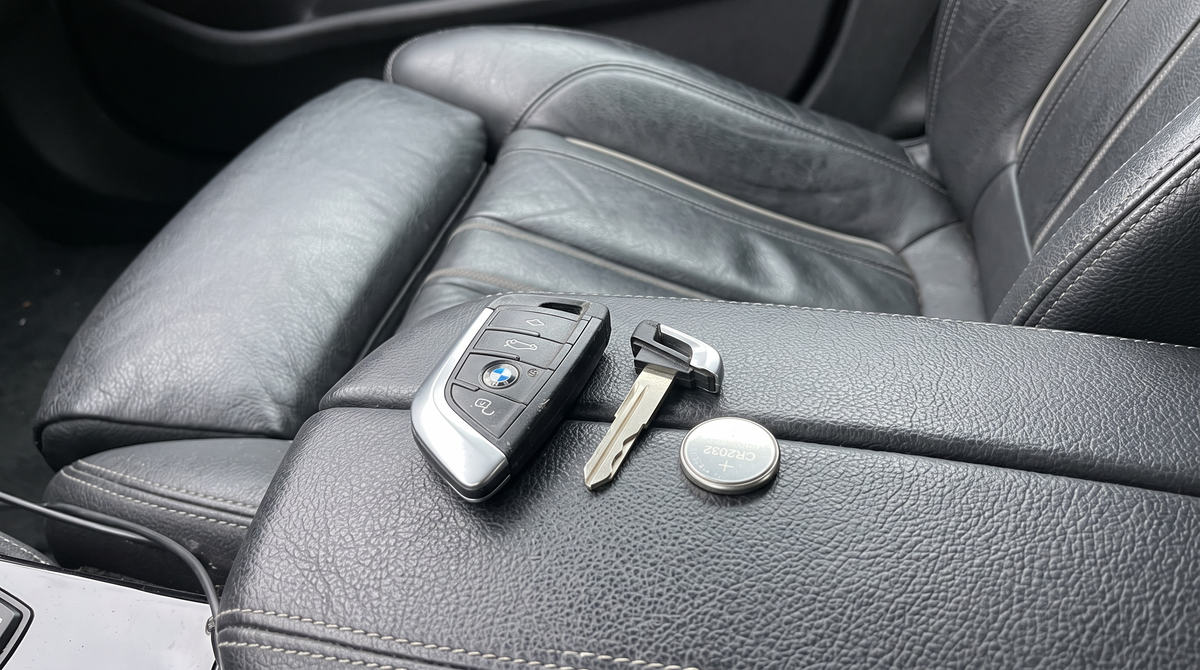
Your BMW has started showing "Remote control battery discharged" on the screen, or the doors only unlock when the key is practically touching the handle. The battery is a CR2032 on almost every BMW key made since 2012, it costs about two euros, and you can change it in the car park with nothing but the key itself. Here is how, for each key type.
First, check which key you have
BMW has used four key shapes in the last twenty years, and they open differently. A flat rounded rectangle with three buttons in a column is the F-Series key. A wider, wedge-shaped key is the G-Series key. A key with a screen is the Display Key. A thick fob with a chrome ring is an E-Series key. Not sure? Our BMW key identification guide has photos of all four.

Which battery does a BMW key take?
| Key | Cars | Battery | User replaceable? |
|---|---|---|---|
| G-Series key | G20 3 Series, G30 5 Series, G05 X5, G07 X7, G42 2 Series, F40 1 Series, newer 4, 7, 8 Series, iX, i4 | CR2032 | Yes, two minutes |
| F-Series key | F30 3 Series, F10 5 Series, F20 1 Series, F15 X5, F25 X3, F32 4 Series and most 2012 to 2019 cars | CR2032 | Yes, two minutes |
| Display Key | Optional on 5, 7 Series, X5, X6, X7 (2015 onwards) | Built-in rechargeable | No battery to change: charge it over USB or on the console tray |
| E-Series key | E90 3 Series, E60 5 Series, E70 X5 and most 2004 to 2013 cars | Rechargeable VL2020, charges in the ignition slot | Not designed to be opened; a key specialist can replace the cell |
A few early F01 7 Series and F10 5 Series keys from around 2009 to 2012 are rechargeable like the E-Series key. If your F-Series key has no visible seam for a battery cover, that is why.
Buy a branded CR2032 (Panasonic, Varta, Energizer, Duracell). The thickness matters: a CR2025 fits the slot but is thinner and may lose contact when the key is bumped.
G-Series key: how to change the battery

- Release the emergency blade. Push the small catch on the back of the key and pull the metal blade out.
- Find the slot. At the base of the key, where the blade was, there is a thin slot in the plastic.
- Push the blade tip into the slot and twist gently. The battery cover lifts off. It is held by clips, not glue, so it should give with light pressure.
- Note the orientation. The battery sits with the printed positive side facing up, towards the cover.
- Lift the old cell out with a fingernail or plastic pick and drop the new one in, text side up. Hold it by the edges.
- Click the cover back on and slide the blade in. Test it at the car.
F-Series key: how to change the battery
The F-Series key opens the same way, with one difference: the cover is a small separate panel on the back, roughly a third of the key's length.
- Slide the catch and remove the emergency blade.
- Look at the end of the key where the blade came out. There is a small notch on the edge of the battery panel.
- Insert the tip of the blade into the notch and lever. The panel pops up.
- Replace the CR2032 with the positive (text) side facing up.
- Press the panel back until it clicks, refit the blade.
If your F-Series key has no notch and no panel seam, you have one of the early rechargeable keys. Put it in the key slot in the dashboard and drive for half an hour; it charges while the car is running.
Display Key: there is no battery to change

The Display Key has a built-in rechargeable cell, and BMW does not intend you to open it. When the screen says the battery is low, you have two options:
- USB. Lift the small rubber flap on the bottom edge of the key and plug in the cable that came with it. Any phone charger works.
- Wireless charging tray. If the car has the wireless phone charging pad in the center console, the Display Key charges on it. Put it screen side up.
A full charge takes a couple of hours and lasts a few weeks of normal use. Even with the screen completely dead, the key still unlocks and starts the car, because the transponder does not need the rechargeable cell. More on this key, its case and its quirks in our BMW Display Key guide.
E-Series key: it charges in the car
E-Series keys (roughly 2004 to 2013) use a rechargeable cell soldered to the board. It charges every time the key is in the dashboard slot with the engine running, so for most of the car's life you never think about it. The cell does eventually wear out, usually after ten to fifteen years, and the symptom is a key that only works for a few days after a long drive.
A locksmith or BMW key specialist can open the key and solder in a new VL2020 for a fraction of the price of a new key. Do not try to pry it open yourself; the halves are ultrasonically welded and do not go back together.
Key cover on? Take it off first
Alcantara and leather covers slide off the key in a second. Carbon fiber shells unclip at the seam. Opening the key through the cover bends the cover and can crack the battery panel, and it is the one mistake we see most in exchange requests. Our guide to removing a key cover is written for Mercedes but the technique is identical on BMW.
Battery completely dead? Start the car anyway
Every BMW with Comfort Access has a fallback, and it works without any battery in the key:
- Open the door. Pull the emergency blade out of the key. On the driver's door handle, there is a small cap covering the lock; lever it off with the blade (there is a slot underneath the handle for this), unlock, and open the door. The alarm will sound.
- Start the car. On F and G-Series cars, hold the key against the marked area on the steering column, usually on the right side just below the wheel, or against the start button itself on some models, then press Start while holding it there. The car reads the chip in the key through the plastic. On E-Series cars, put the key in the dashboard slot.
The message "Key not detected" goes away as soon as a new battery is in.
After the battery change
- No reprogramming needed. The pairing is stored in a chip, not in the battery.
- The warning may take one drive cycle to clear. Start the car, drive, switch off, and it is gone.
- Still not working? Open it again and check the battery is text side up. Then try a second battery; cells from bulk packs are occasionally flat out of the packet.
While the key is open on the table
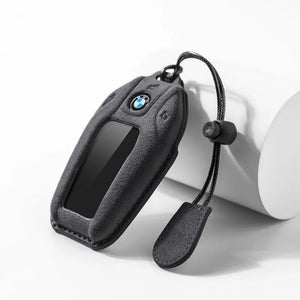
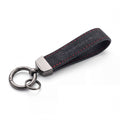
Look at the plastic. BMW keys live in pockets with coins and phones, and the gloss finish on the F and G-Series key scratches and wears shiny within a year or two. A replacement key from BMW is a dealer-only part at several hundred euros, which is the reason most of our customers put a BMW key cover on. The Alcantara version is the same suede as an M steering wheel, every button and the roundel stay visible, and it slides off for the next battery change in two seconds.

Best overall
BMW Alcantara key cover
Fits F-Series and G-Series keys (types A, B, D and E). The suede used on M steering wheels, in Black, Light Grey, Red or Orange, with every button and the roundel left open.
Good to know: no effect on keyless entry or range. Wrong key type is exchanged free.

BMW Display Key cover
The Display Key is big, expensive and easy to scratch, and a standard cover does not fit it. This one does, with the screen and charging port left open.
Good to know: charges on the wireless tray with the cover on.
Other BMW key covers
- Leather, for tan interiors: BMW leather key cover
- Real carbon, for M cars: BMW carbon fiber key cover
- Everything: BMW key cover collection
Common questions
What battery does a BMW key fob use?
A CR2032 3-volt coin cell on F-Series and G-Series keys (roughly 2012 onwards). The Display Key and E-Series keys have built-in rechargeable cells and no user-replaceable battery.
How do I open a BMW key to change the battery?
Slide the catch, remove the emergency blade, then push the tip of the blade into the slot at the base of the key and twist. The battery cover lifts off.
How long does a BMW key battery last?
Two to four years of normal use. Keys stored next to the car keep communicating with it and drain faster.
Do I need to reprogram my BMW key after changing the battery?
No. The pairing survives a battery change. The low-battery warning on the dash clears after the next drive.
How do I charge a BMW Display Key?
Through the USB port under the rubber flap on the bottom edge, or by placing it on the wireless charging tray in the center console if the car has one. It still unlocks and starts the car with a dead screen.
How do I start my BMW if the key battery is dead?
Open the door with the emergency blade, then hold the key against the marked spot on the steering column (or the start button on some models) and press Start. The car reads the chip without the battery.
Shop every BMW key cover
Alcantara, leather and real carbon covers for F-Series, G-Series and the Display Key, each cut for one key shape and swapped free if it turns out to be the wrong one.
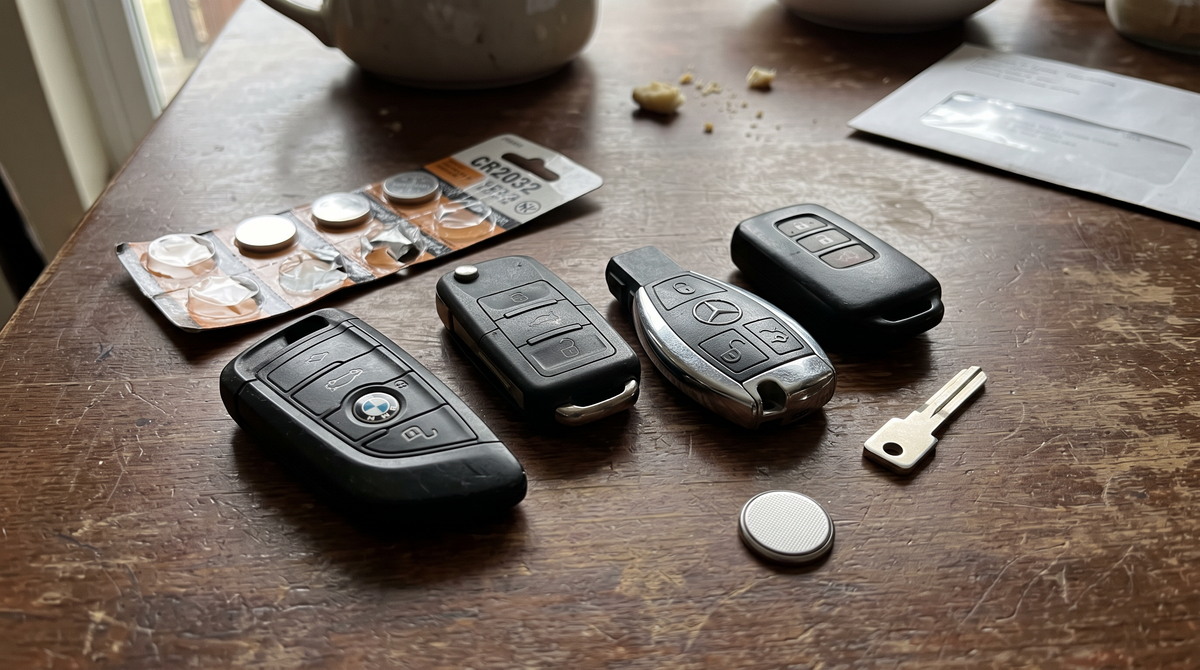
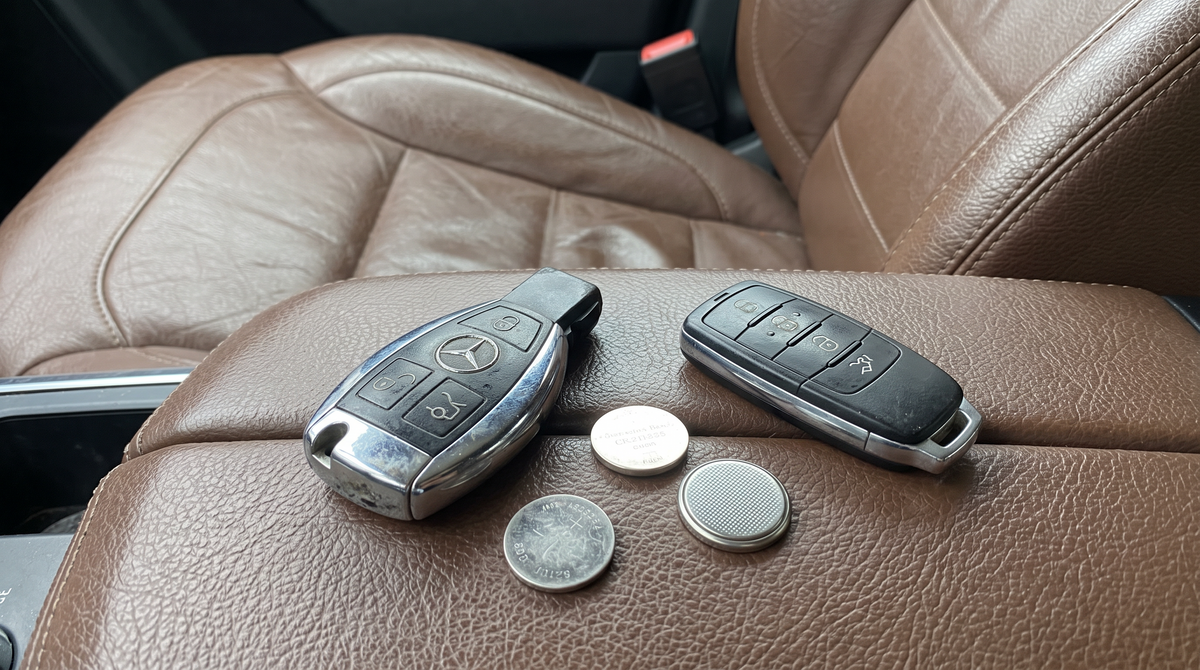
Other brands: see which battery every car key takes or the Mercedes key battery guide.

Leave a comment
This site is protected by hCaptcha and the hCaptcha Privacy Policy and Terms of Service apply.